Auto Karaoke
The queue, guest requests and venue display working together in one system.
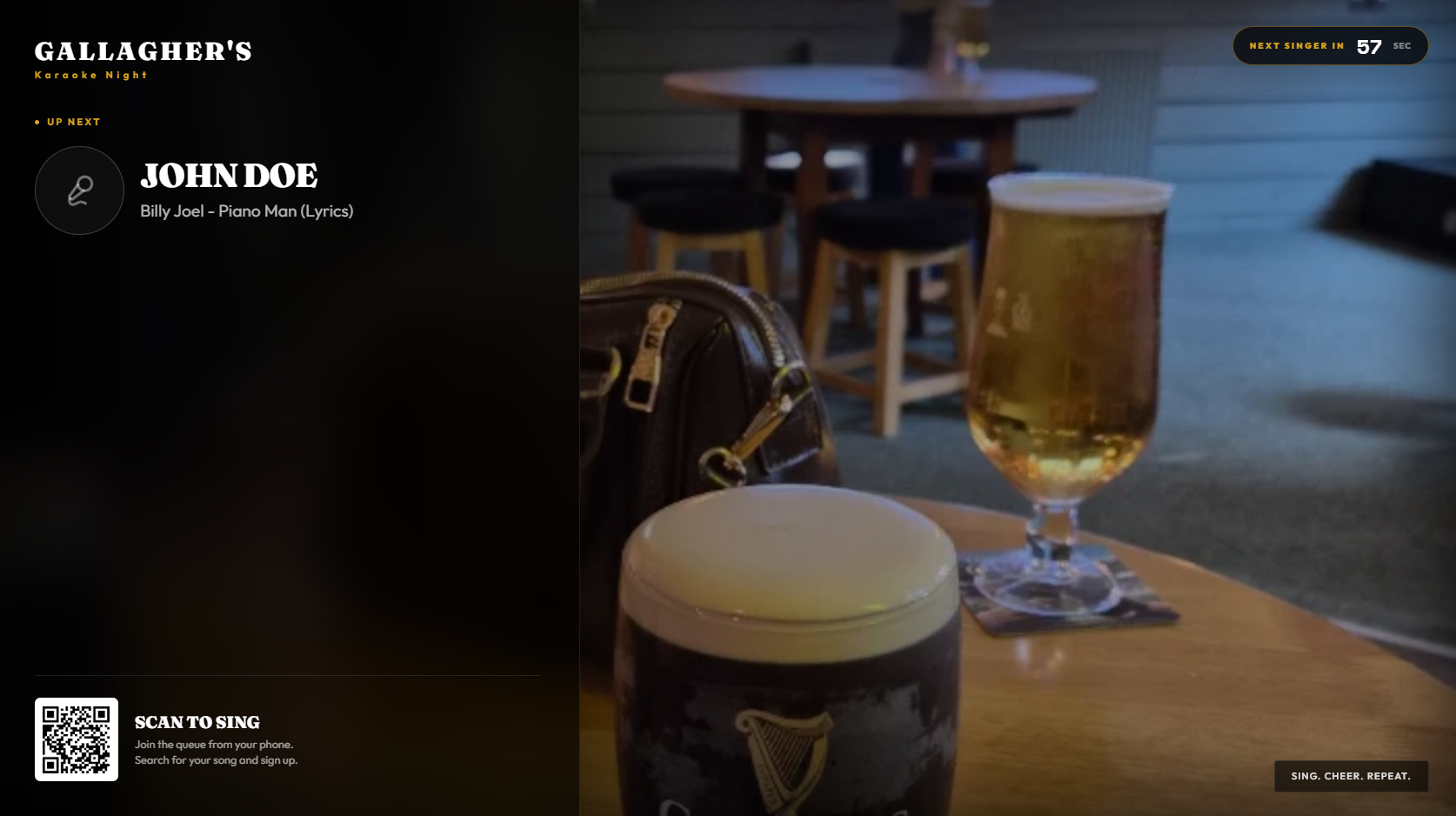
One running order for the whole room.
Guests use their own phones. Staff keep control. The venue screen keeps everybody informed. Each part updates from the same live queue, so the night keeps moving.
- 01
- Guest requests
- Guests scan your venue QR code, find a song and join the queue without downloading an app.
- 02
- Queue management
- Requests arrive in one ordered list, with staff able to review and control what happens next.
- 03
- Venue display
- The current singer, upcoming queue and venue messages stay visible on the main screen.
- 04
- Host controls
- Staff manage the room from one clear panel instead of juggling slips, messages and separate tools.
- 05
- Prize wheels
- Run configurable prize draws on screen as part of the evening.
- 06
- Venue setup
- Apply your own logo, colours, messages, backgrounds and operating preferences.
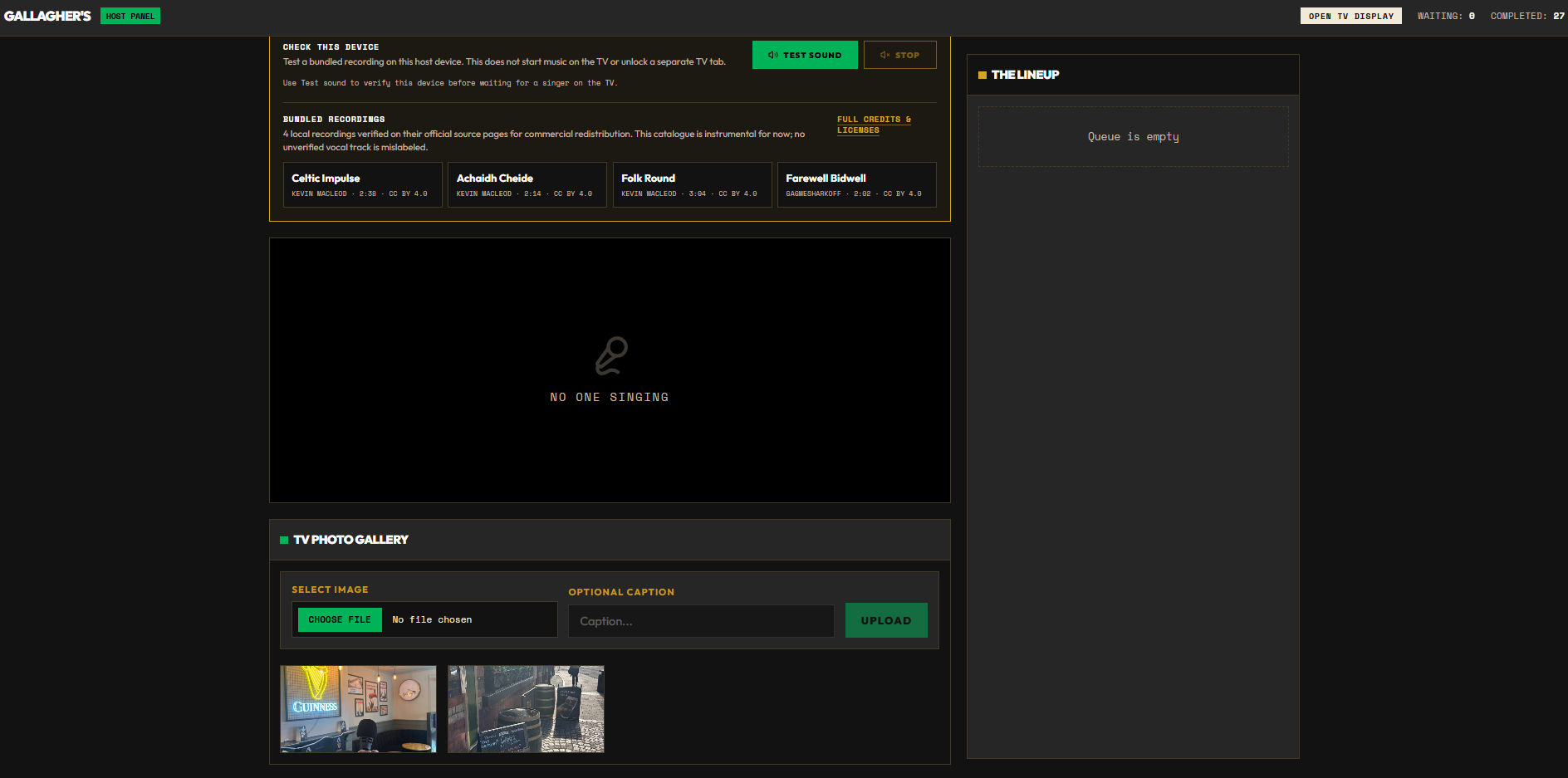
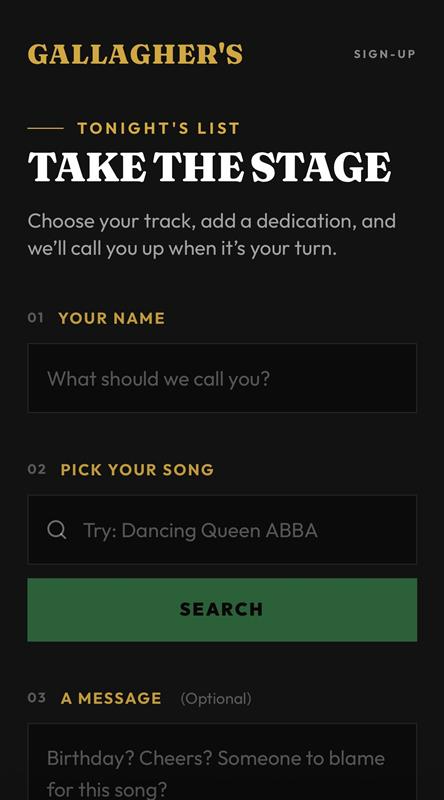

From QR code to next singer.
- 01
Display the venue QR code.
- 02
Guests submit their songs.
- 03
Staff run the queue from one screen.
Want to see it running with your venue setup?
Book a demonstration